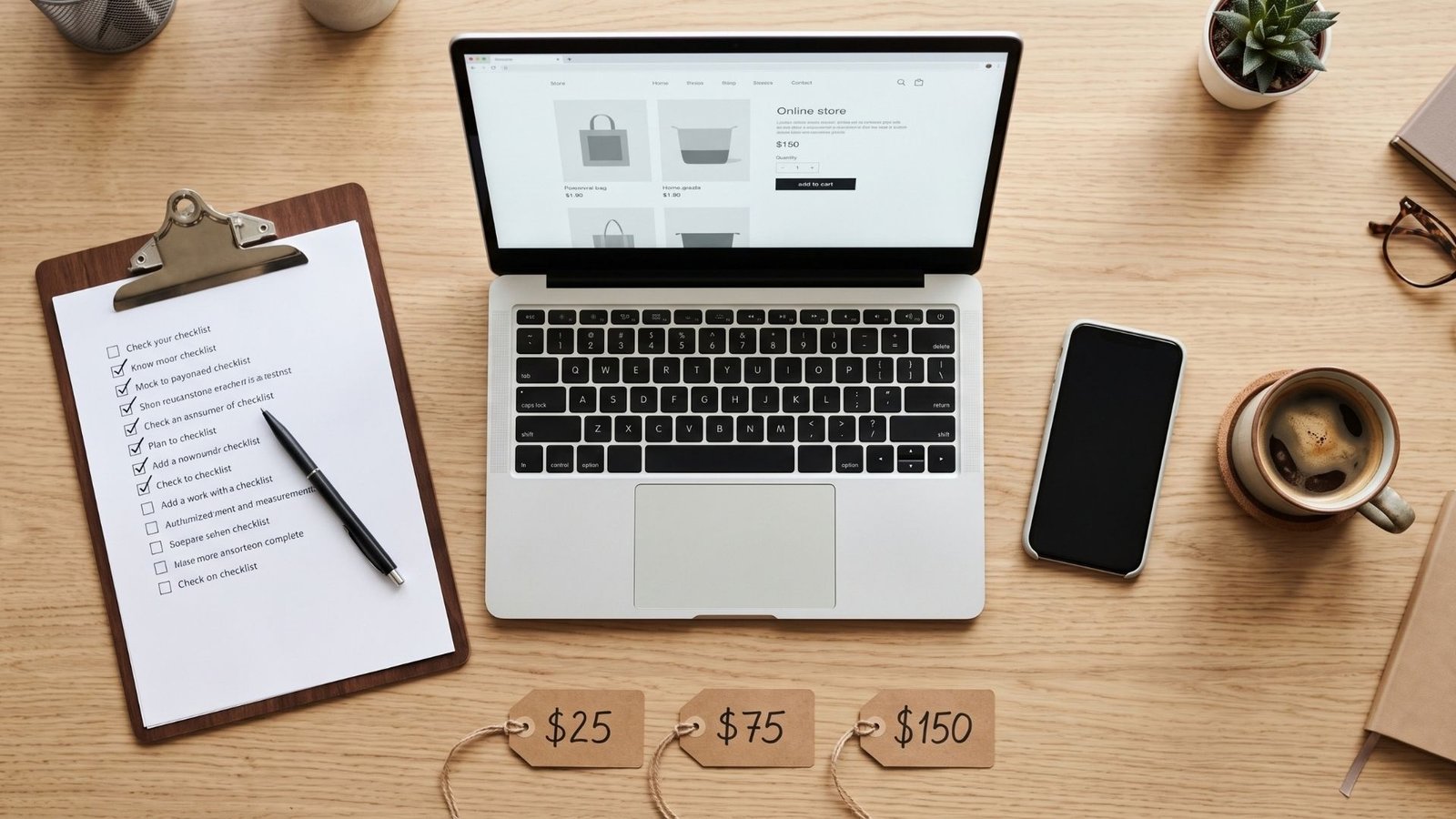
Companion guide to my video where I paid $25, $75, and $150 Fiverr designers to build the same Shopify store.
[EMBED YOUTUBE VIDEO HERE]
I ordered the same Shopify store from three Fiverr sellers at three price points. The deliveries showed me something the gig thumbnails never will: on Fiverr, the price you pay is a weak signal of the quality you get. The process you follow is a strong one.
Here’s what goes wrong for first-time founders, over and over:
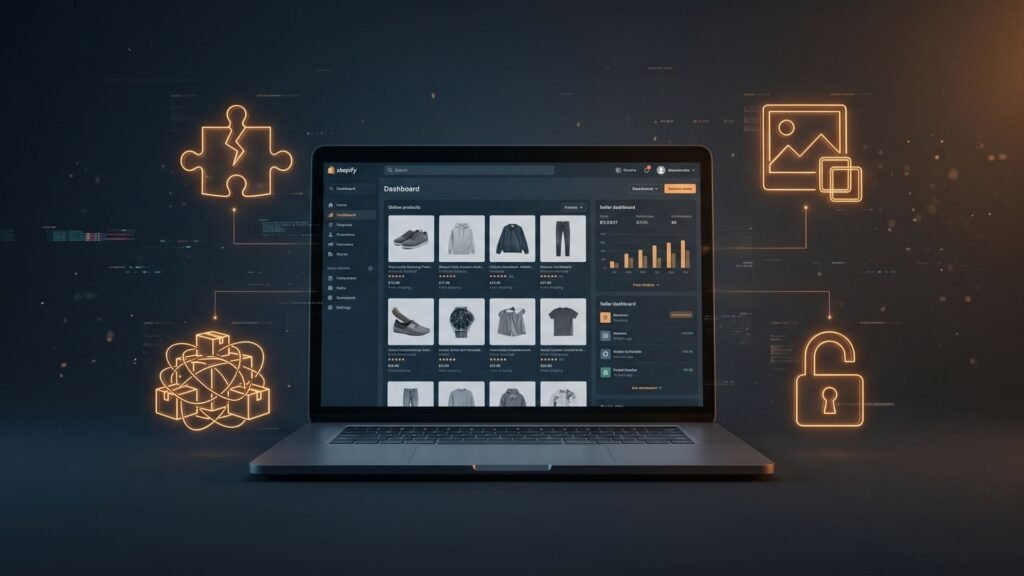
- Stolen portfolios. The “store designs” in the gig gallery belong to real brands or to theme demo pages. The seller has never touched them.
- Cracked or nulled themes. A $300 premium theme installed for $25 is usually a pirated copy. These can carry injected scripts, can’t receive updates, and can get your store flagged. You also have no license, so you don’t legally own the thing your brand sits on.
- Bulk-scraped AliExpress dumps. “50 winning products imported!” means 50 listings with supplier watermarks, broken English, and copied descriptions that Google ignores.
- Account takeovers. The seller asks for your login “to get started faster.” Now a stranger holds the keys to your payouts and customer list.
None of this means you shouldn’t outsource. A lean founder can absolutely get a launch-ready store built for under $200. It just means you do it in a specific order: own the store first, lock it down, vet the seller, inspect before you pay, then remove access. That’s the whole system, and the printable checklist at the bottom walks you through it step by step.
Step 1: Own the Store Before Anyone Touches It
The single most important rule: you create the Shopify account, in your name, with your email and your payment method. Never let a freelancer “set up the store for you” on their account and “transfer it later.” Transfers get delayed, held hostage for extra payment, or never happen.
🛒 Start Your Store the Right Way: Shopify Free Trial
Open your store on an official Shopify trial before you message a single freelancer. The account, domain, and data are legally yours from day one, and you control who gets in.
Start your Shopify trial here →
Trial length and intro pricing vary by region and change often. Check the current offer on the signup page.
The Collaborator Code Protocol
Shopify has a built-in way to give freelancers access without handing over your password. Use it every time.
- Never share your master email or password. Not “just for a day,” not “because the seller asked nicely.” Anyone with your owner login can change your payout bank account, export customers, or transfer ownership. A legitimate Shopify designer will never ask for it. If they do, cancel.
- Turn on two-step authentication on your own account first (click your name in the admin, then account security settings).
- Find your collaborator request code. In your Shopify admin go to Settings → Users and permissions → Collaborators (on newer admins this section may be labeled simply Users). Make sure the option requiring a collaborator request code is turned on, then copy the 4-digit code.
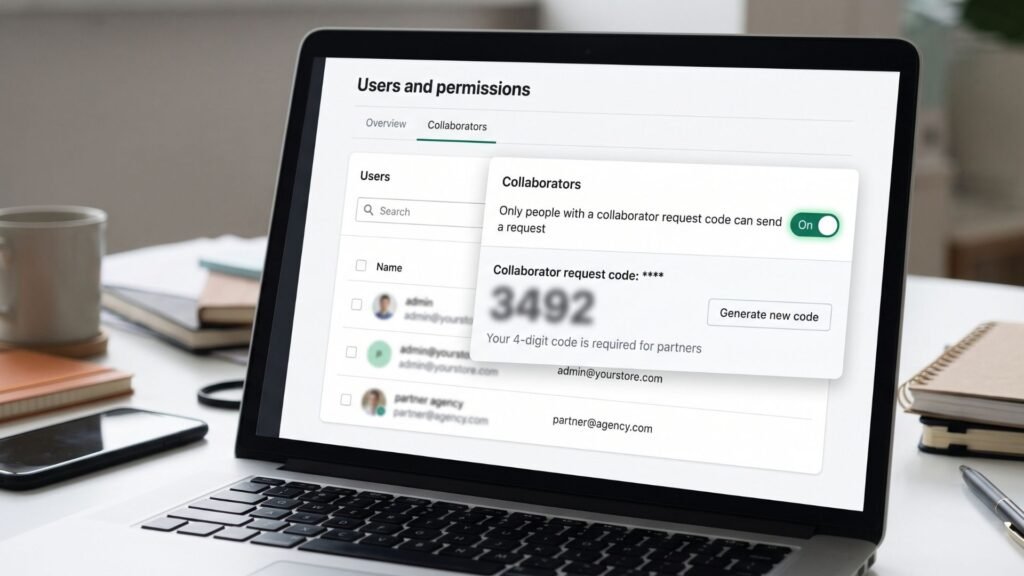
- Send the code to your seller in Fiverr chat only. They enter it from their Shopify Partner dashboard, which sends you an access request.
- Approve narrowly. When the request arrives, review each permission before accepting:
- ✅ Allow: Themes, Online Store / Pages, Navigation, Products (only if they’re adding products), Files, Preferences.
- ❌ Block: Payments / Payment settings, Customers, Orders, Store settings, Domains, Billing, Manage users / staff, Gift cards, Analytics with customer data.
- Screenshot the approved permissions. If there’s ever a dispute, you have proof of exactly what you allowed.
If a seller says they “can’t work” without payment or customer access for a theme and page build, that’s your answer. They don’t need it.
Step 2: The $165 5-Asset Outsourcing Stack
These are the best Fiverr gigs for dropshipping and single-product brands, based on what a store actually needs to convert. Not 15 freelancers. Five assets.
| # | Asset | Budget | What You’re Buying |
|---|---|---|---|
| 1 | Single-product store customizer | ~$60 | Theme setup, homepage, product page, cart, mobile layout |
| 2 | Hybrid TikTok UGC ad | ~$40 | 15–30s vertical video: real person + product B-roll + captions |
| 3 | 3D packaging mockup | ~$25 | Photoreal box/bottle renders for hero images and ads |
| 4 | Direct-response sales copy | ~$25 | Headline, benefit bullets, product description, FAQ |
| 5 | Custom trust badges | ~$15 | Shipping, guarantee, and secure-checkout icons in your brand colors |
| Total | ~$165 |
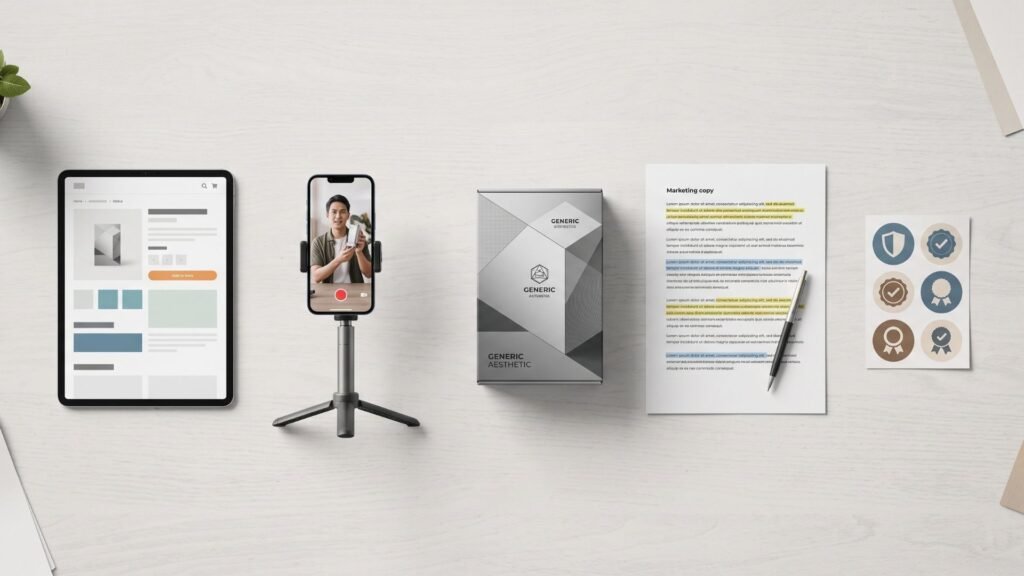
What to type into Fiverr search
Use these exact terms, copy link, then apply the filters listed:
- Store build:
Shopify one product storeorshopify store customization dawn theme. Filter: Seller details → Level 2 or Top Rated; Budget → $50–$100. Avoid gigs promising “50+ winning products.” - UGC ad:
ugc tiktok video ad productorugc creator unboxing video. Filter for sellers with real video samples in the gallery, not stock clips. - 3D mockup:
3d product packaging mockup render. Ask whether they need your dieline or will design packaging too; those are different gigs. - Copy:
Shopify product description copywritingordirect response product page copy. Look for samples with specific claims and numbers, not adjective soup. - Badges:
Custom trust badges shopify. Request SVG or transparent PNG, sized for mobile.
Why a theme brief matters: tell your store designer to build on Dawn (Shopify’s free official theme) or a theme you purchased yourself from the Shopify Theme Store. That one sentence eliminates the nulled-theme risk completely, because the license lives on your account.
⭐ Vetted Mid-Tier Store Designer ($75)
This seller built clean, fast single-product stores on Dawn in my testing, accepted collaborator access without pushback, and delivered on schedule. Best fit for a first launch on a tight budget.
View this designer’s gig →
Step 3: The 3-Step Freelancer Vetting System
Run all three checks before you place an order. It takes about 20 minutes and filters out the large majority of bad gigs.
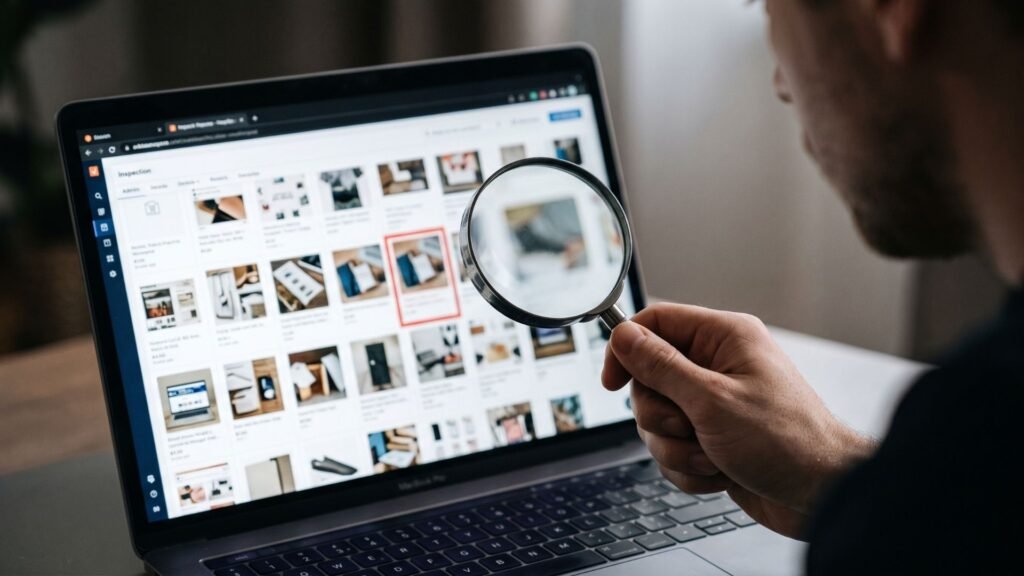
Check 1: Reverse image search the portfolio
- On desktop, right-click any portfolio image in the gig gallery and choose Search image with Google (Google Lens). Alternatively, save the image and upload it at images.google.com or tineye.com.
- Look for matches on theme demo sites (search results showing
themes.shopify.com,themeforest.net) or on unrelated brands’ stores. - If the “custom work” is a theme’s default demo, the seller is showing you something anyone can download. If it’s another brand’s live store, the seller may be claiming credit for it. Either way, move on.
Check 2: The 1-star review audit
Five-star reviews are easy to collect. One-star reviews tell you how a seller behaves when things break.
- On the gig page, scroll to Reviews and sort or filter to the lowest ratings.
- Read every 1- and 2-star review from the past 6 months. Look for patterns: “asked for my password,” “used a different theme than promised,” “disappeared after delivery,” “site broke on mobile.”
- Read the seller’s public reply. A professional explains and offers a fix. A defensive or copy-paste reply is a preview of your experience.
- Red flag: 300+ reviews with almost no detail (“great seller!!”). Real buyers describe real work.
Check 3: The pre-order inbox script
Before ordering, send this message through Fiverr chat. Copy it exactly:
Hi [Name], I’m launching a single-product Shopify store and I’m interested in your [package name] package. Before ordering, could you send me 2 live store URLs you built in the last 6 months that are still online? I’d also like to confirm:
- You’ll work through a Shopify collaborator request (I won’t be sharing login details).
- You’ll build on Dawn or a theme I purchase from the Shopify Theme Store. No third-party theme files.
- Delivery includes a list of every app you install.
Thanks!
How to verify the URLs they send:
- Open each link on your phone and desktop. Is it live, fast, and does it match their gallery style?
- Right-click the page → View page source, then press Ctrl+F (Cmd+F on Mac) and search
Shopify.theme. You’ll see the theme name. If it’s a premium theme name, the store owner presumably bought it; if it’s a theme name you can’t find anywhere, ask. - Search the URL on Google with quotes around the domain to see if the store has any public history.
A seller who refuses, sends dead links, or sends only theme demo links has failed the test.
🏆 Vetted Pro-Verified Store Designer ($150)
If your budget allows, this Fiverr Pro-verified designer was the strongest result in my test: custom sections, conversion-focused product page structure, and a clean mobile build. Worth it if you’re running paid ads from day one.
View this Pro designer’s gig →
Step 4: The Pre-Acceptance Technical Audit
When a seller marks your order delivered, Fiverr gives you 3 days to review. If you don’t respond, the order auto-completes and the seller is paid. Use those 3 days for this 4-step audit. Don’t click “Accept” until every step passes.
1. Physical smartphone viewport test
Most of your traffic, especially from TikTok, will be on phones. Desktop browser “mobile view” doesn’t catch everything.
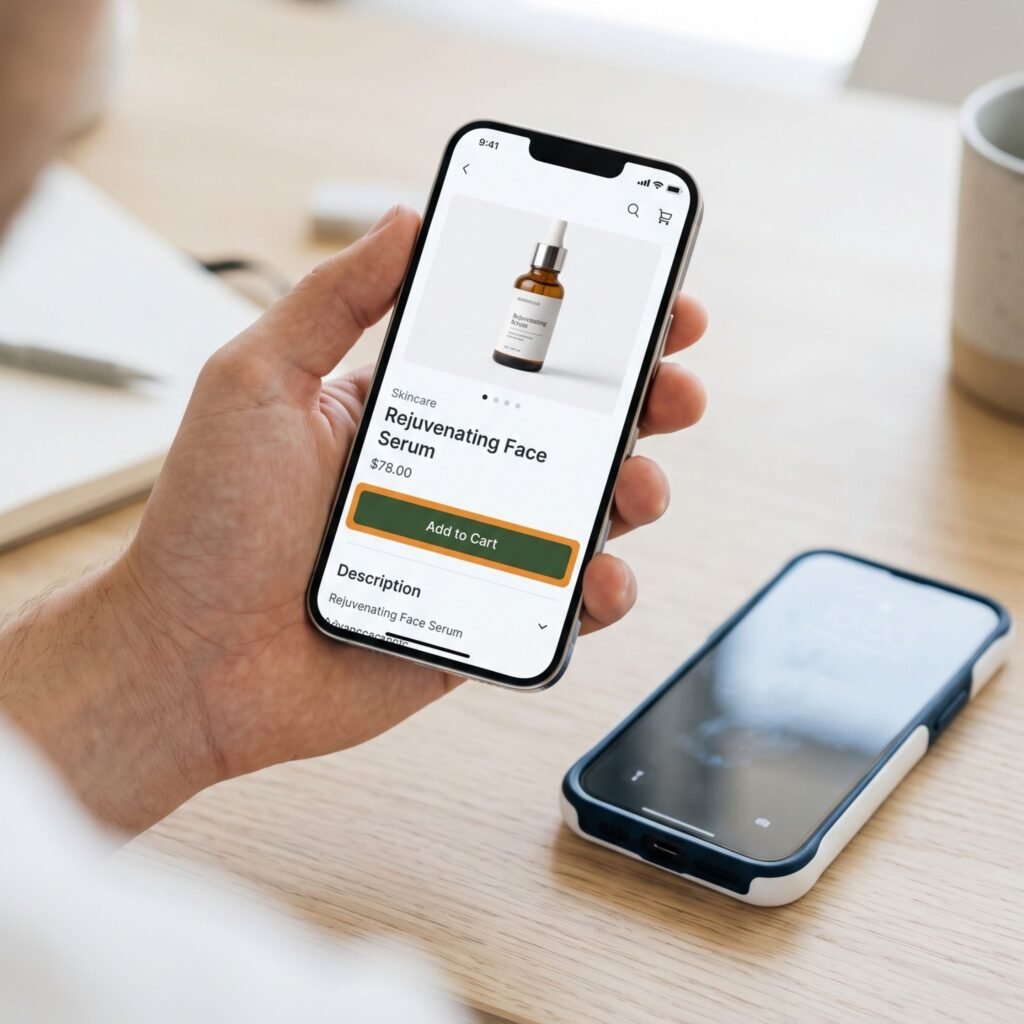
- Open the store on a real phone (ideally one iPhone and one Android).
- Check: header and logo size, product images swipe correctly, the Add to Cart button is visible without scrolling, text is readable without zooming, nothing overflows sideways, popups can be closed.
- Screen-record your walkthrough. If you need a revision, send the recording.
2. Shopify Bogus Gateway test transaction
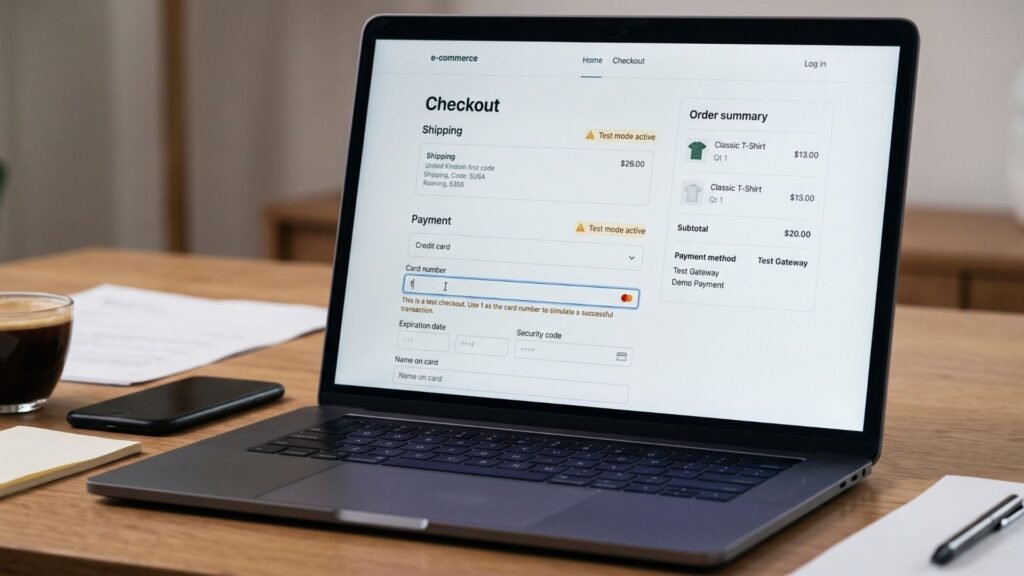
You need to know checkout actually works before you spend a dollar on ads.
- Go to Settings → Payments. If you use Shopify Payments, enable test mode. If not, add the (for testing) Bogus Gateway as a payment provider.
- Place an order on your storefront. With Bogus Gateway, use card number 1 for a successful transaction (any name, any future expiry, any CVV). Card 2 simulates a failure.
- Confirm: the order appears in your admin, the confirmation email arrives, shipping rates and taxes look right, and any upsell app behaves.
- Turn test mode off / remove Bogus Gateway afterward, and delete or archive the test order.
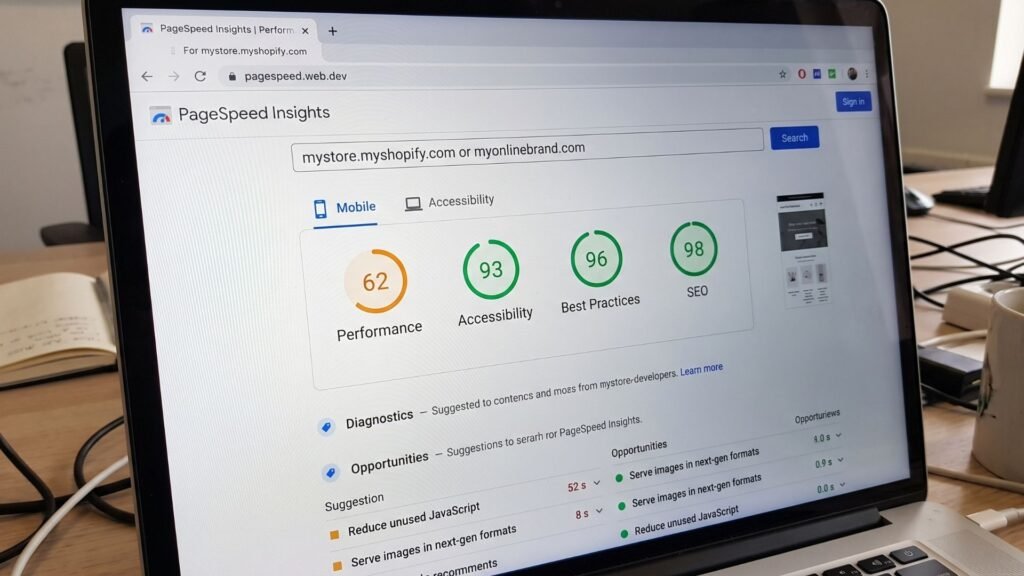
3. Google PageSpeed check
- Go to pagespeed.web.dev, paste your homepage URL, and run the test. Repeat for your product page.
- Focus on the Mobile tab. Shopify stores with a few apps commonly land in the 40–70 range on mobile; a fresh Dawn store usually scores higher.
- If your score dropped sharply versus a blank Dawn install, ask what caused it. Common culprits: uncompressed hero images (ask for WebP under ~300 KB), autoplay videos above the fold, and too many apps.
4. App bloat cleanup
- Go to Settings → Apps and sales channels and list every installed app.
- For each one, ask: Do I need this for launch? Does it have a monthly charge?
- Check Settings → Billing for upcoming app subscriptions you didn’t agree to.
- Ask the seller to uninstall anything unnecessary and remove leftover code snippets from the theme. Uninstalling an app doesn’t always remove the code it injected.
Only once all four pass: accept the delivery, leave an honest review, and move to offboarding.
🎬 Vetted TikTok UGC Video Creator
This creator’s hybrid UGC ads (on-camera talent plus product B-roll and burned-in captions) were the most ad-ready deliveries I tested at this price. Send your product early. Physical samples produce noticeably better footage than stock images.
View this UGC creator’s gig →
Step 5: Offboard Like a Professional
The project isn’t done when you pay. It’s done when access is removed.
- Go to Settings → Users and permissions (or Users) and remove the collaborator account.
- Regenerate or change your collaborator request code if your admin offers that option.
- Download all source files: theme backup (Online Store → Themes → … → Download theme file), video project files, mockup PSDs, copy docs.
- Duplicate your published theme as a backup before you make any future edits.
The Bottom Line
You don’t need a $5,000 agency to launch. You need a store you own, a narrow set of permissions, five well-chosen assets, and the discipline to inspect before you pay. Print the checklist below, put it in your launch binder, and tick every box.
🛒 Ready to Build? Start With Ownership.
Every step in this guide starts with a store in your name. Claim your Shopify trial →
📋 The E-commerce Outsourcing Checklist (Printable)

How to save this as a PDF: Highlight everything from this heading to the end, paste it into Google Docs or Word, then choose File → Download → PDF (Google Docs) or File → Save As → PDF (Word). On this page, you can also press Ctrl+P / Cmd+P and choose Save as PDF as the destination. Print it, three-hole punch it, and keep it in your launch binder.
Phase 1: Pre-Hire Setup & Account Lockdown
- [ ] Created my Shopify account myself, with my own email and payment method
- [ ] Turned on two-step authentication on my owner account
- [ ] Bought my domain inside my own Shopify (or registrar) account
- [ ] Chose my theme: Dawn (free) or a theme I purchased from the Shopify Theme Store
- [ ] Turned on “require collaborator request code” and copied my code
- [ ] Wrote down: I will never share my login email or password
Phase 2: Seller Vetting & Live URL Verification
- [ ] Searched Fiverr with specific terms (e.g.,
shopify one product store) and filtered to Level 2 / Top Rated / Pro - [ ] Reverse image searched at least 3 portfolio images (Google Lens or TinEye)
- [ ] Confirmed no portfolio images match theme demos or other brands’ stores
- [ ] Read every 1- and 2-star review from the last 6 months
- [ ] Checked how the seller replies to negative reviews
- [ ] Sent the pre-order inbox script requesting 2 live store URLs
- [ ] Opened both URLs on phone and desktop; both are live and match the portfolio
- [ ] Checked page source for
Shopify. Themeto confirm the theme - [ ] Seller confirmed in writing: collaborator access only, no third-party theme files, app list on delivery
Phase 3: Project Brief & Milestone Agreement
- [ ] Sent a written brief: product, target customer, 3 reference stores, brand colors, fonts, logo files
- [ ] Specified the theme name in writing
- [ ] Listed exact pages: Home, Product, Cart, About, Contact, FAQ, Shipping, Returns, Privacy, Terms
- [ ] Agreed on number of revisions and delivery date
- [ ] Asked for milestones on larger orders (design preview → full build → revisions)
- [ ] Approved the collaborator request with only Themes, Pages, Navigation, Files, Products (if needed)
- [ ] Blocked Payments, Customers, Orders, Store settings, Domains, Billing, Staff
- [ ] Screenshotted the approved permissions
Phase 4: Delivery & Bogus Gateway Inspection
- [ ] Noted the delivery time: I have 3 days before auto-completion
- [ ] Tested on a real iPhone and a real Android phone
- [ ] Add to Cart is visible without scrolling on mobile
- [ ] No sideways scrolling, overlapping text, or unclosable popups
- [ ] Enabled test mode / Bogus Gateway and placed a test order with card number
1 - [ ] Order appeared in admin and confirmation email arrived
- [ ] Shipping rates and taxes display correctly
- [ ] Disabled test mode / removed Bogus Gateway and archived the test order
- [ ] Ran pagespeed.web.dev on homepage and product page (Mobile tab); recorded scores
- [ ] Hero images compressed (WebP, roughly under 300 KB)
- [ ] Reviewed every installed app in Settings → Apps and sales channels
- [ ] Checked Settings → Billing for unexpected app charges
- [ ] Requested revisions (with screen recording) before accepting, if anything failed
Phase 5: Collaborator Removal & Offboarding
- [ ] Accepted the delivery only after every Phase 4 box was checked
- [ ] Downloaded the theme file backup
- [ ] Duplicated the live theme as a backup copy
- [ ] Collected all source files (video project files, mockup PSDs, copy docs, badge SVGs)
- [ ] Removed the collaborator from Settings → Users and permissions
- [ ] Changed/regenerated my collaborator request code (if available)
- [ ] Uninstalled any apps I don’t need for launch
- [ ] Left an honest, specific review for the seller
- [ ] Filed this checklist in my launch binder ✅