
This post contains affiliate links. If you click through and make a purchase, we may earn a commission at no extra cost to you. We only recommend services we believe are genuinely useful.
Best Shopify themes for beginners get argued about constantly online, and most of that debate misses the actual decision you’re facing: not which theme is objectively best, but which one is right for your store, your budget, and how much customization you’re willing to do yourself.
Pick wrong and you either overpay for features you’ll never use, or underpay and end up rebuilding your site six months in.
I will walk you through the real differences between free and paid themes, which specific ones are worth using in 2026, and when paying for customization actually makes more sense than paying for a new theme.
Free vs Paid Shopify Themes: The Real Differences
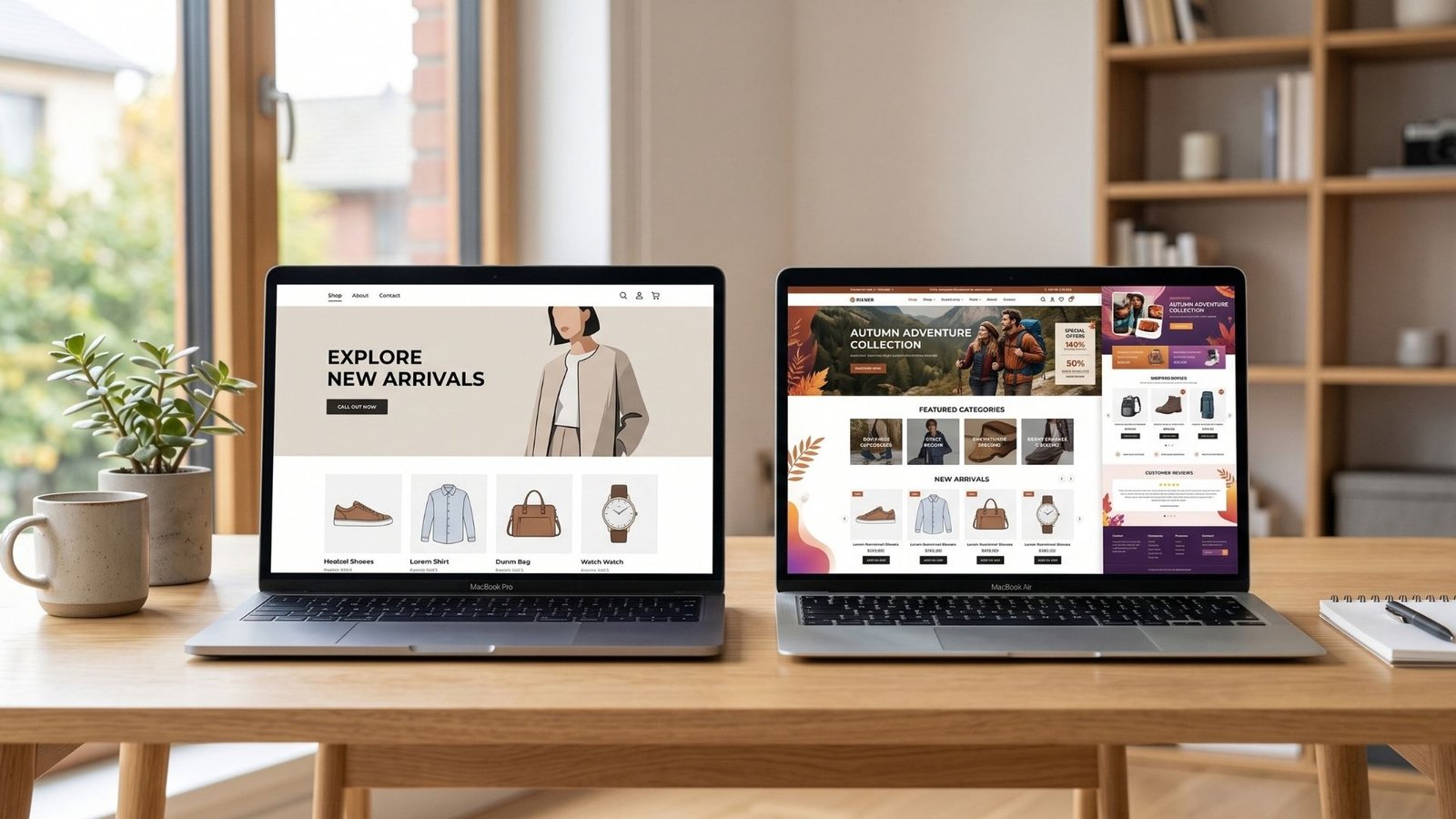
Free and paid Shopify themes solve the same basic problem, but the gap between them shows up in places beginners don’t think to check. Free themes are built to work well for a wide range of stores, which means they’re solid and reliable but somewhat generic by design.
Paid themes usually offer more built-in sections, more advanced layout options, and features geared toward specific store types, things like advanced filtering for large catalogs or built-in lookbook layouts for fashion brands.
The honest answer to free versus paid Shopify themes is that price has almost nothing to do with which one converts better. A well set up free theme regularly outperforms a poorly configured paid one.
What you’re really paying for with a premium theme is flexibility and time saved, not a guaranteed sales boost, and in some cases not even better speed, which the next section gets into.
The Best Free Shopify Themes in 2026
Shopify’s own theme store includes several solid free options worth starting with. Dawn remains the most widely used free theme and serves as Shopify’s own reference design, which means it’s consistently updated and genuinely fast.
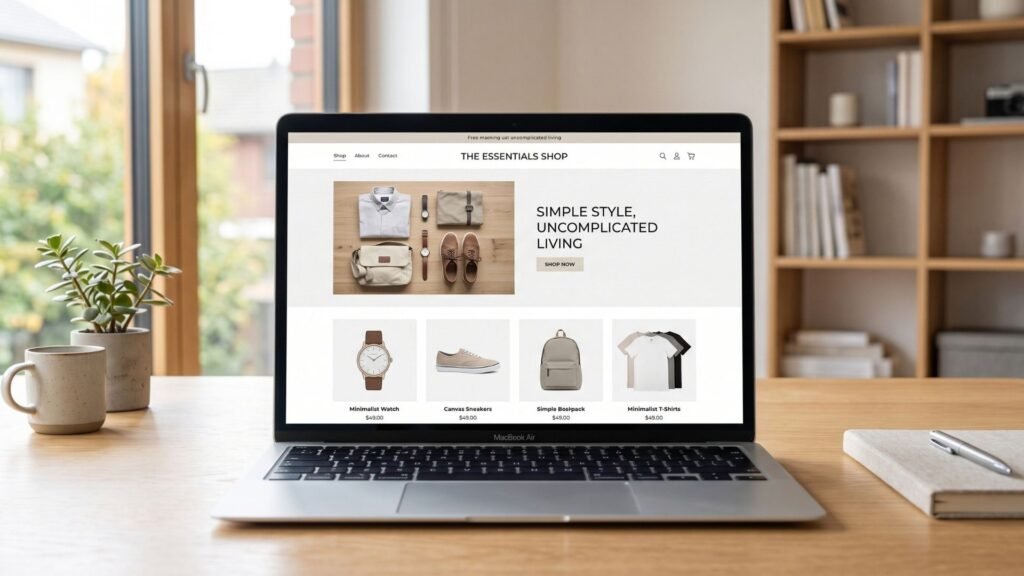
Craft is built around narrative-style sections and image galleries, which suits brands with a strong visual story to tell rather than a straightforward product grid.
The facts remains that senses leans on stronger search and mega menu navigation, which makes it a good fit for stores with a larger catalog where helping shoppers find things quickly matters more than a minimal look.
None of these will look identical to every other store using them once you’ve added your own branding, photography, and color choices.
The theme is the frame, not the picture, and that distinction matters more than most beginners realize before they’ve built a store.
The Best Paid Shopify Themes Worth Your Money
Once you’re ready to spend, a handful of paid themes consistently show up as worth the cost. Prestige is a strong choice for stores that want a premium, editorial feel out of the box, with layout options built for high end branding.
Impulse is popular for stores running frequent promotions, since it has long been known for strong built-in support for urgency elements like countdown timers and product badges.
Turbo is specifically built for speed even with a large catalog, which is worth knowing since most paid themes actually load slower than the free options, not faster.
Paid themes in the Shopify store generally run somewhere between $280 and $350 as a one-time cost. That’s a real expense, but it’s a single payment rather than a recurring one, and a good paid theme can save you dozens of hours of customization work compared to pushing a free theme to do things it wasn’t really designed for.
Speed Matters: What Theme Load Times Do to Sales

Shopify theme speed is one of the most underrated factors in whether a store actually converts, and here’s the part that surprises most beginners: free themes generally load faster than paid ones.
Dawn consistently scores near the top of theme speed tests, often loading in a little over a second, while many paid themes load two to three times slower simply because they’re carrying more built-in features and visual effects by default.
That doesn’t mean paid themes are a bad choice. It means speed shouldn’t be assumed just because you paid for something.
A slow-loading store loses visitors before they’ve seen a single product, especially on mobile, so whichever theme you pick, test its real load speed yourself rather than trusting the sales page.
5 Things to Check Before Choosing Any Theme
Before you commit to any theme, free or paid, run through this quick list. Check the theme’s actual load speed using a real speed testing tool, not just how fast it feels scrolling on a good connection.
Confirm it supports the number of product variants and images your catalog actually needs.
Look at how the theme handles mobile layout specifically, not just desktop screenshots in the marketing preview. Check how much customization is possible without touching code, since some themes lock certain layout choices behind their paid app ecosystem.
And read a handful of recent reviews rather than just the theme’s own sales page, since real usage often reveals limitations the preview never shows.
When a Theme Isn’t Enough: Customization Explained
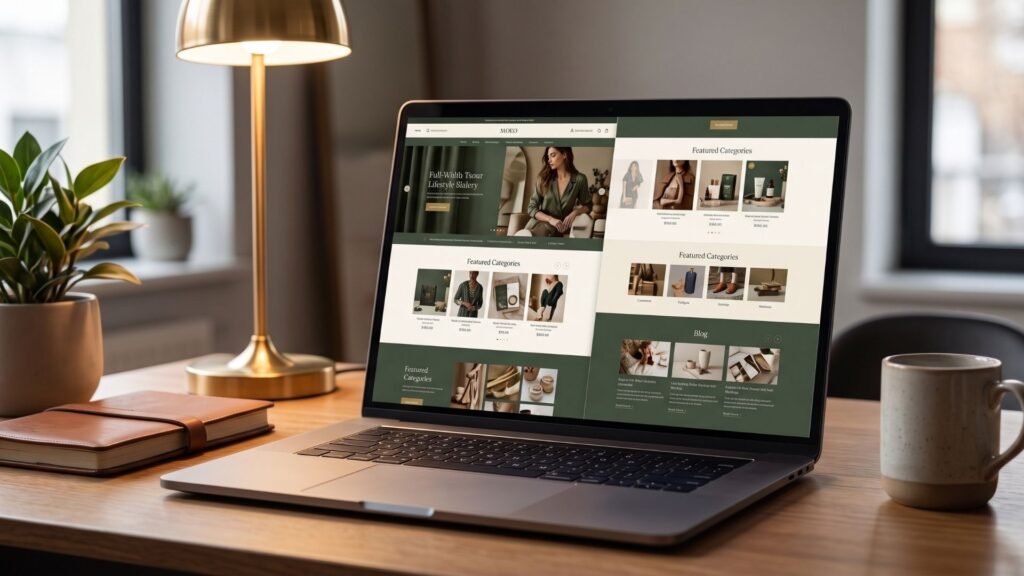
Sometimes the theme isn’t the problem, the setup is. Two stores running the exact same theme can look worlds apart depending on how the sections, spacing, typography, and photography are handled.
This is the same gap we cover in our breakdown of common Shopify design mistakes, where the theme choice mattered far less than what was actually done with it.
If you’ve picked a solid theme and your store still looks generic or unfinished, customization is usually the missing piece, not a different theme.
Custom section layouts, refined typography, and consistent branding are what push a theme from looking like a template to looking like a real brand, exactly what we walk through in our guide on making a Shopify store look premium.
Ready to skip the trial and error and have someone customize your theme properly the first time? See current Shopify theme customization prices on Fiverr and compare experts by portfolio and reviews before you decide.
What Theme Customization Costs on Fiverr
Theme customization pricing on Fiverr typically depends on how much you’re changing. Basic tweaks like color adjustments, font changes, and minor section rearranging usually fall in the $60 to $100 range.
A more involved customization covering homepage redesign, custom sections, and consistent branding throughout the store generally runs $100 to $200.
Full custom builds, where a theme is heavily modified to look genuinely unique rather than recognizable as a template, can run from $200 up to $340 with top rated specialists.
Compared to spending days trying to get a paid theme to look the way you imagined, this is often the faster and cheaper path once you factor in your own time.
FAQ
Can I change my theme later?
Yes. Shopify allows you to switch themes at any point, though you’ll need to reconfigure sections and settings, since customization and content don’t always transfer automatically between different themes.
Do free themes look cheap?
Not inherently. A well customized free theme with good photography and consistent branding can look just as premium as an expensive paid theme. The theme itself is rarely what makes a store look cheap.
What’s the fastest Shopify theme?
Dawn is generally the fastest free theme, often loading in just over a second. Among paid themes, Turbo is specifically built for speed, which sets it apart since most paid themes load slower than free ones.
Should I hire someone to customize my theme?
If you’ve spent more than a few hours trying to get your theme to look the way you want without success, hiring a specialist usually saves both time and money compared to continuing to figure it out yourself.

Still deciding between a free theme done right and a paid one customized properly? Compare Shopify theme customization experts on Fiverr and see real pricing and portfolios before you choose.